How Faros Desktop Helps Small Businesses Track AI Coding Costs
A free Mac app, Faros Desktop consolidates session data from Codex, Claude Code, GitHub Copilot and Cursor, then offers usage insights and cost‑saving recommendations.
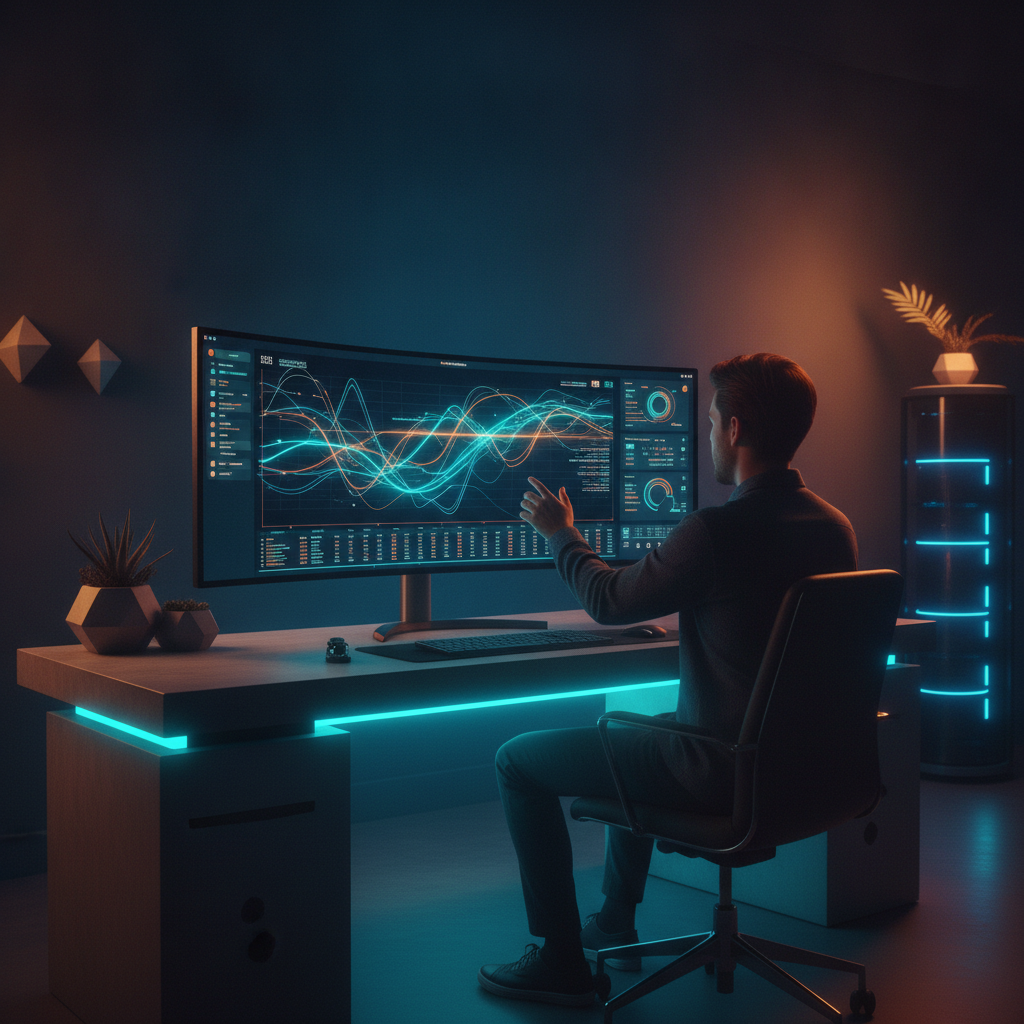
Faros Desktop pulls local AI coding session histories into a single visual interface, showing project‑by‑project usage. Its built‑in “Power Ups” suggest ways to trim context and downgrade models to reduce subscription costs.
What Faros Desktop Does
Faros Desktop is a macOS application that reads on‑device session logs from four popular AI coding assistants—Codex, Claude Code, GitHub Copilot and Cursor. It then organizes those logs by project and task, letting users scroll through a timeline that displays each prompt, response and tool call. The app does not require a login, API keys or any cloud service; all processing happens locally on the machine.
Why Small Businesses Need a Unified View
Many small teams subscribe to multiple AI coding tools, each with its own usage dashboard or billing report. Keeping track of spend across these services often ends up in spreadsheets or manual note‑taking, which is error‑prone and time‑consuming. Faros Desktop eliminates that friction by presenting a single visual dashboard that shows exactly how many tokens or minutes each tool consumes per project. This real‑time visibility lets business owners spot unexpected spikes—such as a large code generation run in Copilot—before they inflate the monthly bill.
Built‑In “Power Ups” for Cost Savings
The app includes two default “Power Ups” that aim to stretch subscription budgets. The Context Optimization Power Up trims unnecessary context from prompts, reducing the amount of data sent to the AI model. The Model Optimization Power Up automatically selects a lower‑tier model when the prompt does not require the most powerful (and expensive) option. Both features start in suggestion mode but can be set to Autopilot, where they act without user confirmation after passing internal evaluations.
Practical Steps for Adoption
Because Faros Desktop runs entirely on the local machine, onboarding is as simple as downloading the app and opening it. Once installed, the app “hydrates” with existing session history—no extra configuration is needed. Small teams can then explore the timeline view to understand which projects consume the most AI resources. After reviewing the usage patterns, they can enable the Power Ups to automatically reduce context size and downgrade models where appropriate. The result is a clearer picture of AI spend and a measurable reduction in subscription costs.
Looking Ahead: Memory Portability and Team Sharing
The creator of Faros Desktop mentions future work on “local memory portability” and multi‑player modes that would let team members share session history within a direct team. If implemented, these features could further streamline collaboration by providing a shared context across developers, while still keeping data on‑device. Small businesses should watch for these updates, as they may add additional efficiency gains without compromising data privacy.
Takeaways
- Faros Desktop consolidates AI coding session data from four major tools into a single, on‑device dashboard.
- Its free, no‑login design makes it easy for small teams to monitor AI usage without extra administrative overhead.
- Built‑in Power Ups automatically trim context and downgrade models, helping reduce subscription costs.
Where would this work in your business?
Take the two-minute AI Opportunity Snapshot and we will point to where automation is most likely to pay off for you.