Mika: An On‑Device AI Agent That Can Automate Android Tasks for Small Businesses
Mika is an open‑source Android AI assistant that operates apps and the web without leaving the device, offering a low‑cost way for small businesses to automate everyday digital tasks.
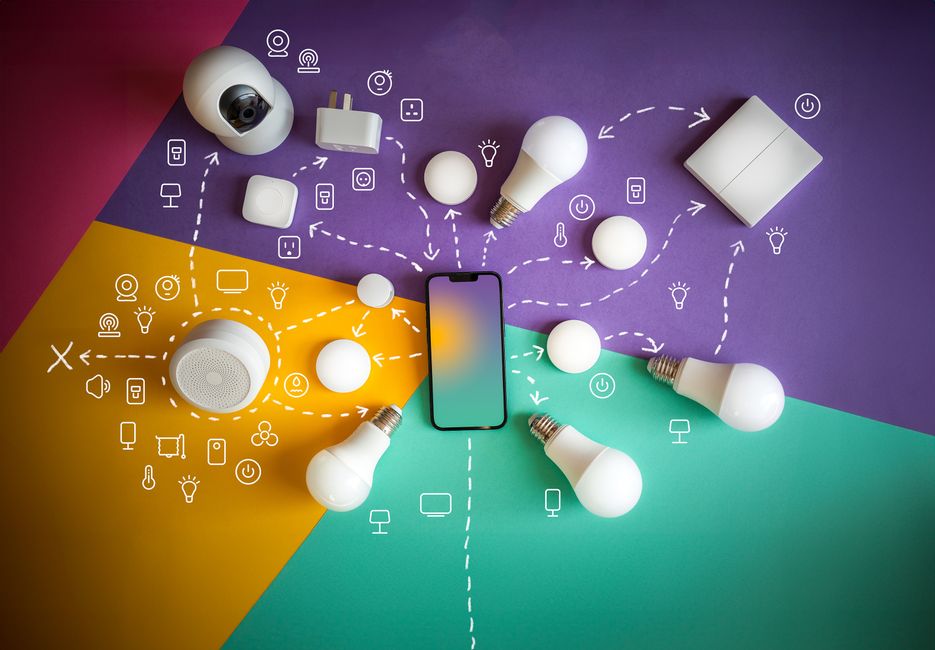
Mika runs on your Android phone, interacts with any app or website, and keeps all data on the device. Small business owners can use voice commands to automate ordering, scheduling, and information‑gathering without custom integrations.
What Mika Is and How It Operates
Mika is an on‑device AI agent for Android that can open apps, tap buttons, type text, and scroll pages while you continue using the phone normally. It does this on a hidden background screen, so the main display stays free for other work.
The assistant works with any app or website because it visually identifies UI elements the same way a person does, eliminating the need for per‑app APIs. It can also be called from a web page in its built‑in desktop‑class browser.
Why It Matters for Small Business Owners
Routine digital chores—checking inventory, placing supplier orders, responding to customer messages, or pulling reports—often require multiple taps and manual navigation. Mika replaces those steps with a single spoken request, letting owners stay on top of core activities.
All processing stays on the phone; there is no central Mika server. Data privacy is therefore controlled by the device owner, and the software is released under the Apache‑2.0 license, meaning it is free to use and modify.
Practical Use Cases You Can Deploy Today
A shop manager could say, “Find a charger under $30 with at least four‑point‑five stars,” and Mika would browse an online store, add the matching item to the cart, and pause before checkout for confirmation. The same pattern works for ordering office supplies, booking travel, or pulling the latest sales figures from a dashboard.
Mika also handles scheduling and conditional reminders. For example, “Remind me at 9 am tomorrow if it will rain,” sets a daily weather check and only notifies you when rain is forecast. The agent can read a news feed, summarize a long chat history, or extract key points from a PDF, all without leaving the phone.
Getting Started and What to Keep in Mind
To try Mika, download the APK from the Releases page, install it on an Android 11 or later device, and connect a language model via an API key or a sign‑in with a ChatGPT, xAI, or OpenRouter account. Operating other apps requires Android 12 or later, with Android 14 recommended for smoother background interaction.
The agent runs a Linux sandbox per conversation, supporting Python, Node, and shell scripts on arm64 devices. While the core features are free, you will need a compatible model provider (e.g., OpenAI, Anthropic, Gemini, or any OpenAI‑compatible endpoint) for the natural‑language processing.
Takeaways
- Mika automates app and web actions on Android without needing custom integrations.
- All data stays on the device, offering privacy and a free, open‑source solution.
- Small businesses can use voice commands to streamline ordering, scheduling, and information retrieval.
Where would this work in your business?
Take the two-minute AI Opportunity Snapshot and we will point to where automation is most likely to pay off for you.