Offline Meeting Notetaker Minute Keeps Small‑Business Calls Private on Your Mac
A free, open‑source Mac app that captures meeting audio locally, runs Whisper and a local LLM, and produces searchable notes without any external service.
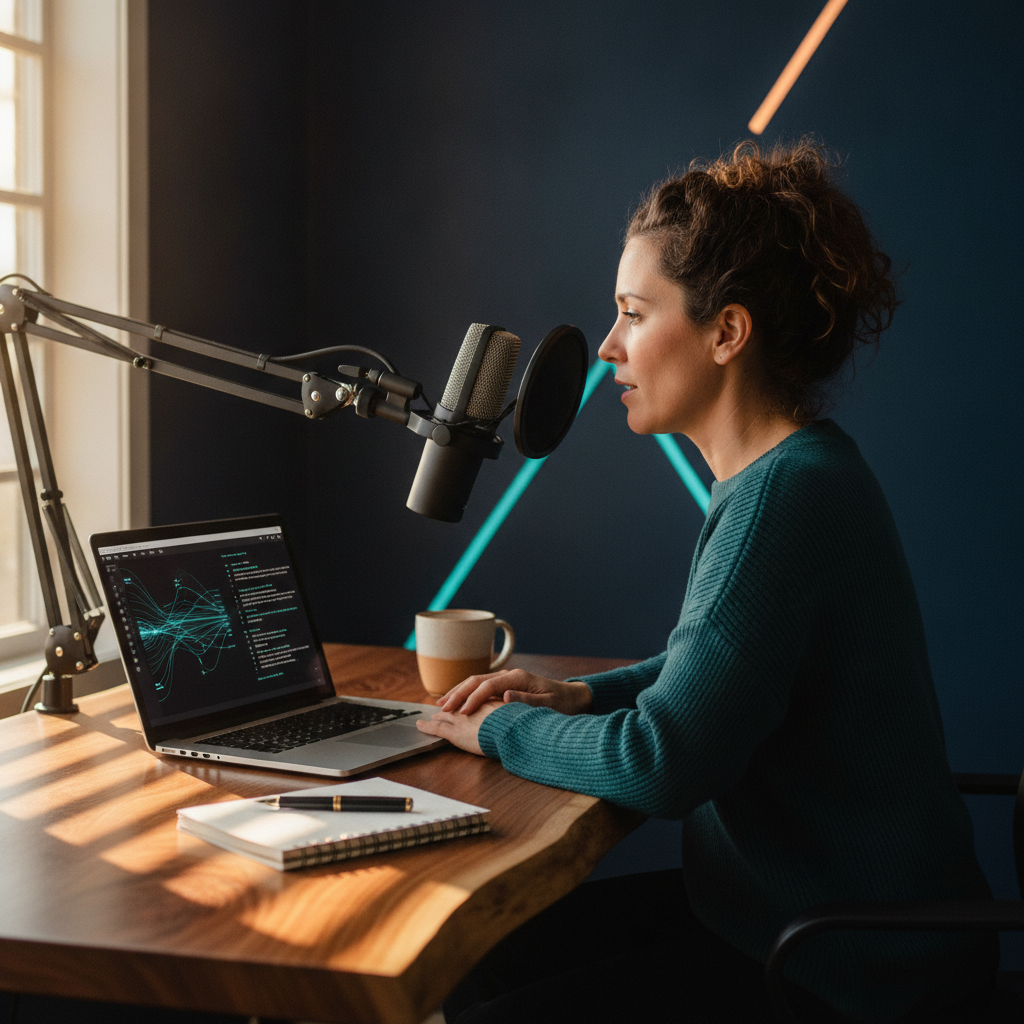
Minute runs entirely on your Mac, so no audio or transcripts ever leave the device. It offers the core features of cloud services like Otter and Granola while keeping data private and costs at zero.
What Minute Is and How It Works
Minute is a free macOS application that records your meeting, transcribes it in real time, and writes a summary after the call ends. The app captures your microphone and, on macOS 13 or later, the system audio, so it hears every participant without joining the call as a bot (Minute website).
All processing happens on the machine. Whisper runs locally to produce a live transcript in up to 99 languages, and a small language model generates the summary, decisions and action items when the call finishes. The transcript and summary are stored as plain‑text Markdown files that you own.
Minute detects meetings in popular apps such as Zoom, Microsoft Teams, Google Meet, Slack, FaceTime, Webex and Discord. Detection is optional and off by default, but when enabled the app offers to start recording as soon as a call begins and stops when it ends.
Privacy and Security for Small Businesses
No audio, transcript or summary is ever sent over the network. The app has no analytics, telemetry or account system, and the website counts visits with Plausible, which uses no cookies (Minute website).
Minute’s code is released under the MIT license on GitHub and each release is signed and notarized by Apple, giving small‑business owners confidence that the binary has not been tampered with (GitHub).
Because everything stays on your Mac, you avoid the compliance headaches that come with cloud transcription services. The only online activity is the one‑time download of the Whisper and summary models and an optional check for app updates, both of which can be disabled in Settings.
Feature Set Compared to Cloud Services
Granola and Otter both rely on cloud processing. Granola costs $14 per user per month, while Otter Pro is $16.99 per user per month (Minute website). Both services require a bot or cloud connection to join the call and handle transcription.
Minute matches the core capabilities of those services—live transcription, speaker labeling, searchable timestamps, and a summary with action items—while keeping the data on the device. It also exports notes to Obsidian or any folder as Markdown, and you can click a timestamp to jump back to the exact moment in the recording.
The only functional trade‑off is hardware. Large Whisper models need Apple silicon, and the smallest models require at least 8 GB of RAM; larger models need 16 GB (Minute website). The Intel build is available but not yet tested on real Intel hardware.
Practical Uses for Small‑Business Operations
Client consultations, internal strategy sessions, and vendor negotiations often contain sensitive information. Minute lets you capture those conversations without exposing them to third‑party servers, reducing the risk of data leaks.
The searchable transcript and timestamped summary make it easy to locate decisions or action items after the meeting. You can ask the app a question about the meeting, and it will return the answer together with a clickable timestamp that plays the original audio.
Because notes are saved as plain Markdown, they integrate with existing knowledge‑base tools such as Obsidian, Notion imports, or any file‑system‑based workflow you already use.
Getting Started and System Requirements
Minute requires macOS 11 or later. System‑audio capture (needed for the other participants) works on macOS 13 or later and needs the Screen Recording permission. To detect when a call ends while the meeting app stays open, macOS 14.2 or later is required (Minute website).
Download the latest version (1.14.0) from the official site. The first launch downloads the Whisper and summary models; after that you can turn off Wi‑Fi and the app continues to work offline. Optional update checks can be disabled in Settings.
If you use Apple silicon, the app runs the larger Whisper models smoothly. On Intel Macs you can still run the smaller models, but performance may vary. Ensure your machine has at least 8 GB of RAM for the smallest model and 16 GB for the larger ones.
Takeaways
- Minute keeps every piece of meeting data on your Mac, eliminating cloud‑related privacy risks.
- The app provides the same core features as paid services like Granola and Otter without any subscription cost.
- Small‑business teams can integrate the Markdown notes into existing workflows and retrieve exact moments from recordings via timestamps.
Where would this work in your business?
Take the two-minute AI Opportunity Snapshot and we will point to where automation is most likely to pay off for you.