Zero: A Self‑Hosted AI Coding Agent for Small Businesses
Zero lets you run an AI coding assistant locally, keeping your code and data private while supporting any major LLM provider.
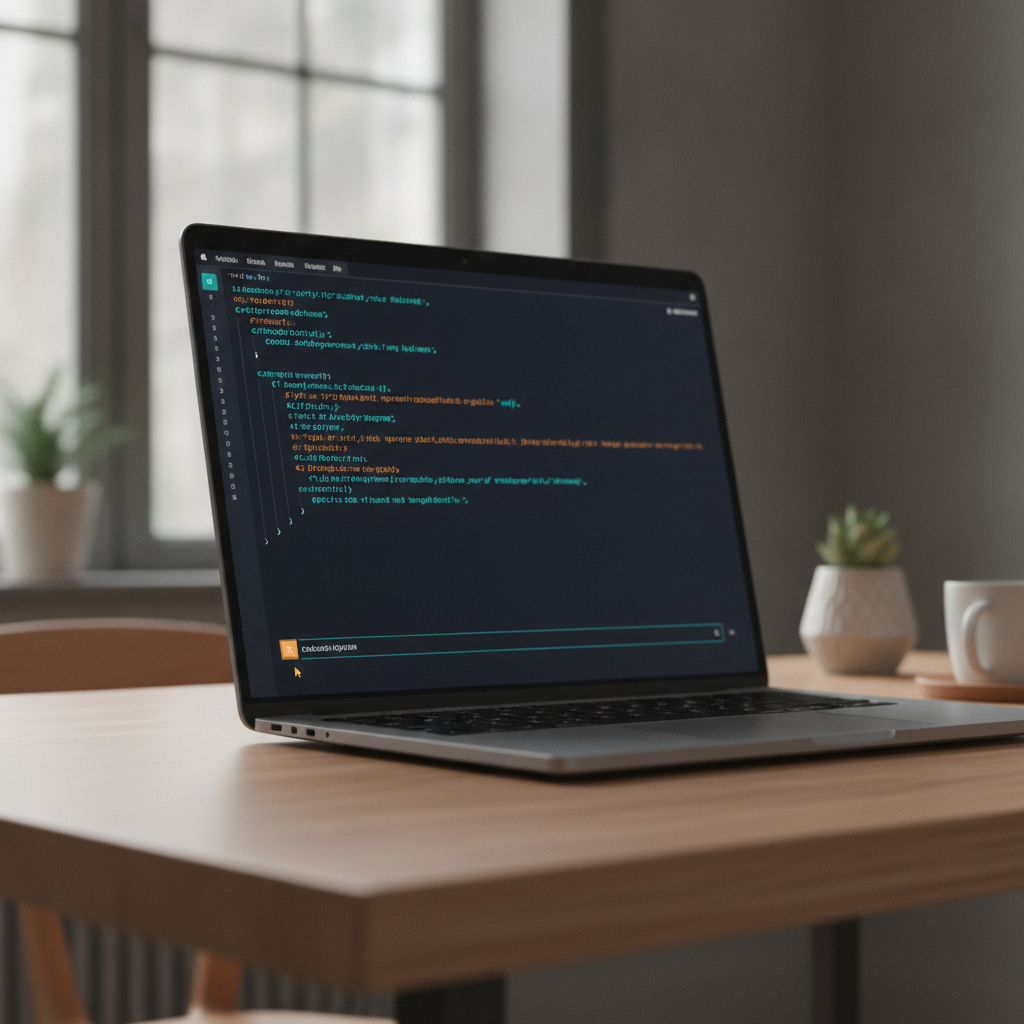
Zero is a Go‑based, MIT‑licensed terminal AI coding agent that runs on your own hardware, stores sessions locally, and works with more than 25 model providers. For small businesses it offers secure, scriptable automation without sending proprietary code to external clouds.
What Zero Is
Zero is an open‑source AI coding agent designed to run in your local terminal. Built in Go and released under the MIT license, the tool inspects repositories, edits files, runs shell commands, and can call out to browser or terminal helpers while keeping every interaction on your machine. According to the GitHub repository, the project has earned 1.8k stars and 209 forks, indicating a growing community of users (GitHub). The tool supports more than 25 model providers, including OpenAI, Anthropic, Gemini, and local options like Ollama and LM Studio (EveryDev.ai). A separate description lists support for over 30 providers, underscoring its flexibility (Zero — a terminal coding agent you own).
Why Local Control Matters for Small Businesses
For a small business, protecting proprietary code and data is a top priority. Zero stores all session data on disk, making it searchable and resumable, but never uploads it as telemetry (GitHub). This local‑only design eliminates the risk of inadvertently exposing sensitive logic to third‑party SaaS platforms. The permission and sandbox policy lets you decide whether the agent can write files, execute shell commands, or access the network, giving you granular control over what the AI can do. In environments where compliance or IP protection is required, that level of control can be a decisive advantage.
Practical Uses in Everyday Operations
Zero’s command‑line interface (CLI) can be scripted with the `zero exec` command, which accepts plain text, JSON, or streaming JSON input and produces meaningful exit codes for CI pipelines (GitHub). This makes it suitable for automated testing, code refactoring, or generating boilerplate files as part of a build process. Because the tool can run in a terminal UI (TUI) with model pickers, slash commands, and live plan rendering, developers can interactively ask the agent to fix failing tests, update documentation, or apply linting fixes without leaving their console. The ability to run isolated worktrees and spec‑first runs means you can experiment on a copy of the codebase without affecting the main branch, a useful safety net for rapid prototyping.
Getting Started Quickly
Installation is straightforward: the recommended method is the npm wrapper `@twigpine/zero`, which pulls the appropriate binary from the GitHub releases without extra download steps (GitHub). The package works with npm, Bun, pnpm, and yarn, and optional dependencies can be omitted without breaking the core functionality. After installing, run `zero` to launch the TUI and follow the setup wizard to choose a provider and model. Environment variables such as `OPENAI_API_KEY` or `ANTHROPIC_API_KEY` can be set beforehand, or you can enter keys directly in the wizard. For local models, start Ollama, LM Studio, or the Atomic Chat desktop app, then let Zero detect the endpoint automatically (GitHub).
Considerations and Limitations
While Zero offers extensive model flexibility, it still depends on the availability and reliability of the chosen backend. If you rely on a cloud provider, you must manage API keys and potential rate limits. On Linux, native sandboxing requires the Bubblewrap tool; without it, Zero will fall back to a helper binary (GitHub). Windows users on ARM must run the x64 build under emulation, which may affect performance. Finally, because Zero is a developer‑focused tool, non‑technical staff may need guidance to use the CLI effectively. Nonetheless, the ability to keep all code and AI interactions on‑premises often outweighs these operational nuances for small businesses that value data sovereignty.
Takeaways
- Zero runs entirely on your own hardware, keeping code and AI interactions private.
- The tool is open source (MIT license) and works with more than 25 LLM providers, including local models.
- Scriptable CLI support enables automation in CI pipelines without exposing proprietary logic to external services.
Where would this work in your business?
Take the two-minute AI Opportunity Snapshot and we will point to where automation is most likely to pay off for you.